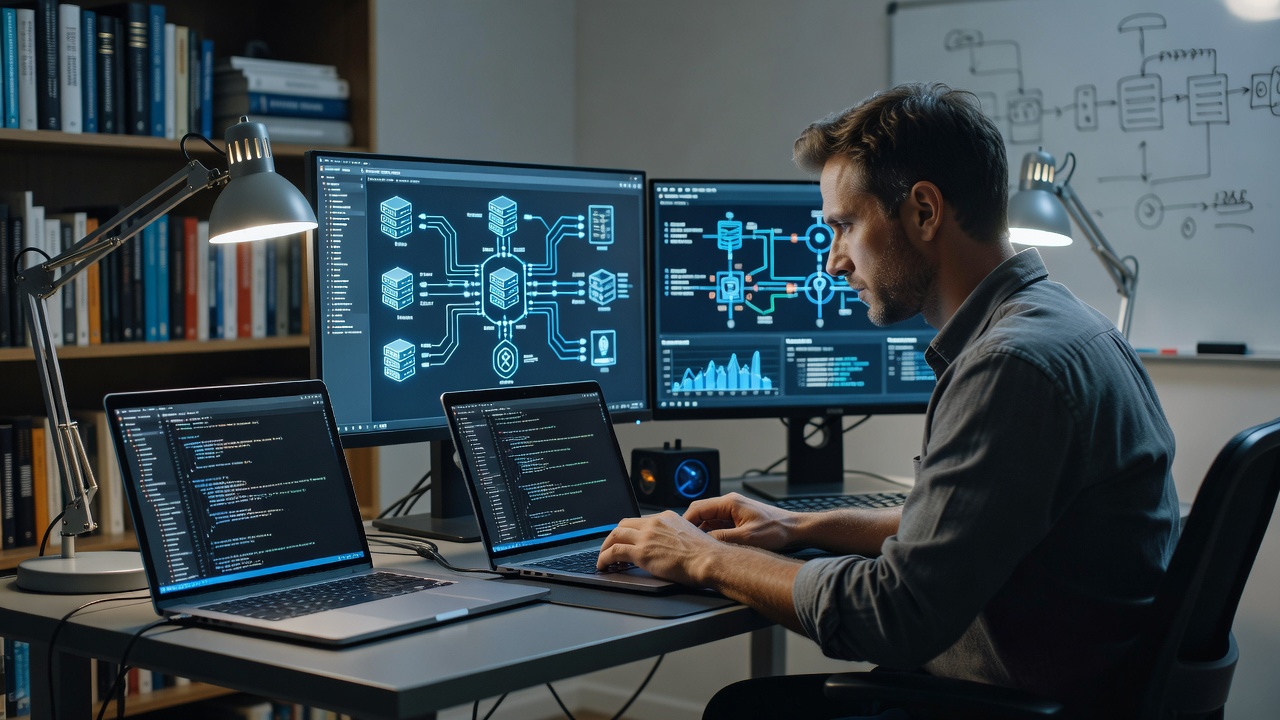
Smart home devices, security cameras, file servers, and automation systems are only useful if you can access them reliably. Tech Basics covers the networking foundation that makes everything else work: VPN setup for secure remote access, router configuration, network segmentation, and troubleshooting when things break.
A VPN lets you connect to your home network from anywhere in the world as if you were sitting in your living room. We set up and configure:
With a VPN configured, you can access your Home Assistant dashboard, security cameras, file shares, and other network devices from your phone or laptop anywhere. No port forwarding exposed to the internet, no security risks.
A well-configured network is the backbone of a smart building. We handle:
Once your VPN is set up, you can securely access your home network from anywhere:
Everything goes through the encrypted VPN tunnel. No services are exposed directly to the internet.
When your network or smart home stops working, we diagnose and fix the problem. Common issues we resolve:
Troubleshooting is billed at $95/hr for members, $125/hr for non-members. Most issues are resolved within 1-2 hours.
Many smart devices offer cloud-based remote access through their manufacturer's app. However, that access depends on the manufacturer's servers, is slower than local access, and stops working if the manufacturer changes their API or shuts down. A VPN gives you direct, fast access to your network that does not depend on any third-party service.
WireGuard is faster and has no dependency on external services, but requires manual key management and configuration. Tailscale is easier to set up and manage across multiple devices, but depends on Tailscale's coordination servers for initial connection setup. For most home users, Tailscale is the better starting point. For users who want zero external dependencies, WireGuard is the way to go.
IoT devices (smart bulbs, plugs, cameras) are notoriously insecure. Many run outdated firmware with known vulnerabilities. If a smart bulb is compromised, an attacker on the same network segment can potentially reach your laptop, phone, or file server. VLAN segmentation puts IoT devices on their own isolated network so a compromised device cannot access anything else.
A basic VPN and router configuration takes 1-2 hours. Adding VLAN segmentation, DNS, and ad blocking adds another 1-2 hours. A full network overhaul with access point placement and WiFi optimization can take 3-4 hours.
Book a service appointment to get your network, VPN, and remote access configured.